
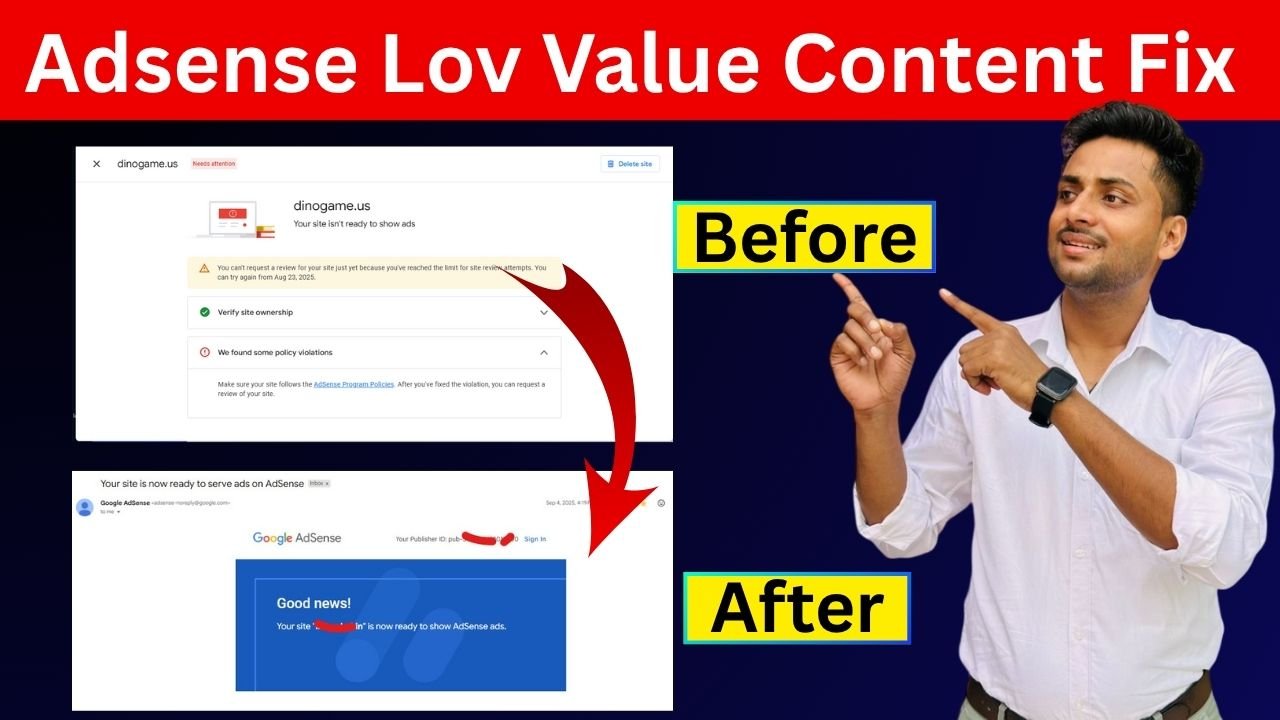
AdSense Low Value Content Fix (2025 Guide): Get Instant Approval Easily
Getting a “Low Value Content” rejection from Google AdSense can be frustrating, especially when you’ve worked hard on your website. But don’t worry — you’re not alone. This is one of the most common reasons for AdSense disapproval.
In this complete guide, you’ll learn what low value content means, why AdSense rejects your site, and how to fix it step-by-step to get approval quickly in 2025.
What Does “Low Value Content” Mean in AdSense?
When AdSense says your site has “Low Value Content,” it means your website’s content doesn’t provide enough originality, depth, or usefulness to users.
In simple terms — your site’s content doesn’t help users or provide a unique reason for Google to show ads there.
Examples of Low Value Content:
- Short or copied posts (under 300 words)
- Keyword-stuffed articles
- Auto-generated or AI-written posts without editing
- Reposted content from other websites
- Websites with poor design and broken links
Why Google Rejects Your Site for Low Value Content
Here’s a quick look at what causes the issue
| Reason | Explanation |
|---|---|
| Thin Content | Pages with too little information or repeated text. |
| Copied/Spun Articles | Rewriting from other websites without adding value. |
| Poor Readability | Hard-to-read layout, bad grammar, or no structure. |
| No User Engagement | Visitors don’t stay or interact with your content. |
| No Original Media | Using stock or copied images/videos without customization. |
| Low Domain Trust | New websites with few pages and no backlinks. |
Step-by-Step AdSense Low Value Content Fix
Follow these tested and proven steps to fix your website and make it AdSense-ready 👇
Step 1: Write 100% Unique, Informative Content
Every post should:
- Be at least 800–1500 words.
- Include examples, images, and real tips.
- Solve the reader’s problem (not just repeat info from Google).
Example: Instead of writing “How to make money online”, write “7 Proven Ways I Earned My First $100 from Blogging.”
Step 2: Improve Website Design and Navigation
Your website should look professional, mobile-friendly, and clean.
Tips:
- Use a simple WordPress theme like Astra or GeneratePress.
- Add a menu bar (Home, Blog, About, Contact).
- Avoid popups, unnecessary banners, and ads.
Google checks user experience (UX) before approving ads!
Step 3: Add Essential Pages
These pages are mandatory before applying for AdSense
- ✅ About Us
- ✅ Contact Us
- ✅ Privacy Policy
- ✅ Terms & Conditions
- ✅ Disclaimer
You can create these pages using free templates or AI generators — just make sure they are customized for your website name.
Step 4: Use Original Images & Infographics
Google loves original visuals. Don’t just use Google Images!
Create your own visuals using:
- Canva
- Adobe Express
- Visme
Add ALT text to all images using keywords like:
AdSense Low Value Content Fix – Step-by-Step Guide
Step 5: Improve Readability & Structure
Google scans your articles using AI readability models. So, use:
- Headings (H2, H3)
- Bullet Points
- Tables
- Short paragraphs (2–3 lines max)
Example Format:
H1: AdSense Low Value Content Fix
H2: Step 1 – Understand the Problem
H2: Step 2 – Fix Your Content
H3: Write Unique Posts
H3: Add Images
Step 6: Remove Low-Quality Posts
Delete or rewrite pages that:
- Are under 300 words
- Have copied text
- Have zero visitors
- Don’t provide any useful info
You can check this using Google Analytics or Search Console.
Step 7: Build Internal Links
Add links between your own blog posts to make your site look stronger.
Example:
“If you’re also facing AdSense policy violation, read our AdSense Policy Fix Guide.”
Internal links improve crawlability and user engagement.
Step 8: Optimize SEO Before Applying
Use an SEO plugin like Yoast SEO or Rank Math.
Optimize each post for:
- Meta Title & Description
- Focus Keywords
- Image Alt Tags
- Schema Markup
Example Focus Keyword:
“AdSense Low Value Content Fix”
Content Optimization Checklist
| Task | Status |
|---|---|
| Minimum 10–15 Quality Posts | ✅ |
| 1000+ Words Each | ✅ |
| Proper Headings (H1, H2, H3) | ✅ |
| Unique Images | ✅ |
| Internal Links | ✅ |
| About/Contact/Privacy Pages | ✅ |
| Responsive Design | ✅ |
| SSL Certificate | ✅ |
| Fast Loading Speed | ✅ |
Tools to Improve Content Quality
Here are some free & paid tools that help you fix low value content fast
| Tool | Purpose |
|---|---|
| Grammarly | Grammar & readability check |
| Hemingway Editor | Improve sentence clarity |
| Canva | Design original images |
| Google PageSpeed | Check site loading time |
| Duplichecker | Detect copied or duplicate content |
| Yoast SEO / Rank Math | On-page SEO optimization |
Common Mistakes to Avoid
❌ Copying or rewriting content from other blogs
❌ Publishing too many short posts
❌ Ignoring grammar and structure
❌ Using AI tools without editing the output
❌ Missing About/Privacy Policy pages
❌ Too many popups or redirects
❌ Submitting site too early (less than 10 posts)
Frequently Asked Questions (FAQ)
1. What is “Low Value Content” in AdSense?
It means Google finds your content unhelpful or lacking originality. The site doesn’t provide enough value to users.
2. How can I fix the “Low Value Content” issue fast?
Add long, unique articles (1000+ words), use original images, improve design, and remove copied or thin content.
3. How many posts should I have before applying for AdSense?
At least 15–20 detailed posts with proper formatting and images.
4. Can I reapply after getting “Low Value Content” rejection?
Yes, you can reapply after 15–30 days once you’ve improved your site.
5. Does using AI content cause “Low Value” rejection?
Not always. You can use AI tools like ChatGPT — but always rewrite, edit, and personalize the content before publishing.
6. Will adding videos help fix the issue?
Yes! Embedding relevant YouTube videos improves user engagement and adds more value.
7. Should I use backlinks for approval?
Backlinks help build trust but are not mandatory. Focus first on content quality.
Final Thoughts
“Low Value Content” is not a permanent rejection — it’s just a signal from Google to improve your site.
Focus on unique, user-focused, SEO-friendly articles, use proper formatting, and maintain a clean design. Once you apply these tips, your next AdSense review will likely be approved successfully.
Remember:
“Google doesn’t reject websites — it rejects low-quality content.”
Keep improving your site, and soon you’ll see those AdSense ads live on your pages!
Author’s Note
This article is written to help bloggers and digital creators fix their AdSense Low Value Content rejection. For more blogging tips, visit ytservice.co.in – your partner in online success!
Read Also – Google AdSense Approval Method: Fix Low Value Content & Policy Violations (2025 Guide)
Cover Topic –
AdSense low value content fix,
fix low value content AdSense ,
AdSense approval after rejection ,
Google AdSense low value issue ,
AdSense content improvement 2025 ,
AdSense site not valuable ,
how to get AdSense approval fast ,
AdSense approval method,
fix low value content AdSense ,
AdSense policy violation fix ,
Google AdSense approval 2025,
how to get AdSense approval fast,
AdSense low value fix ,
AdSense approval guide ,
AdSense content policy fix ,